
Problem
The ingestion seems to be stuck.
Resolution
1. Come to project job status UI and select the Ingestion tab.
2. Right Click on the ingestion job and select view files on progress.
3. Then the files on progress will be shown. On the top right corner there will be a message in red saying "there are records with 'in progress' but the windows process is not running.
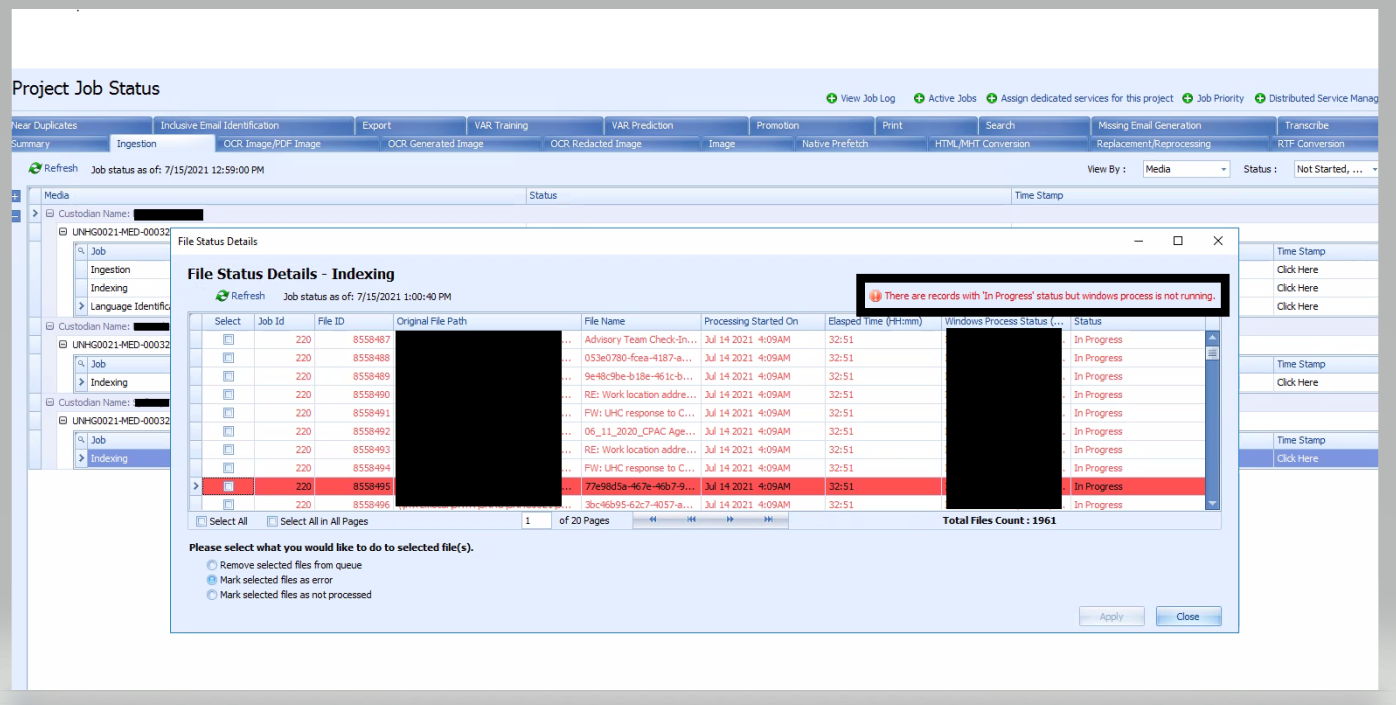
4. Click on the message and there will be a message box that will ask you to re-pick the job. Hit 'yes' and the job will be re-picked.
Note: If you also want to mark some files as error, we have this option in the same UI.
Comments
0 comments
Please sign in to leave a comment.